


I'm selling my old phone online and I'm nervous about leaving personal stuff on it: photos, banking apps, my email. Is a factory reset enough, and are there steps I should do before resetting so the buyer can actually use it?
How to wipe my phone before selling or trading it in
Concerns & risks
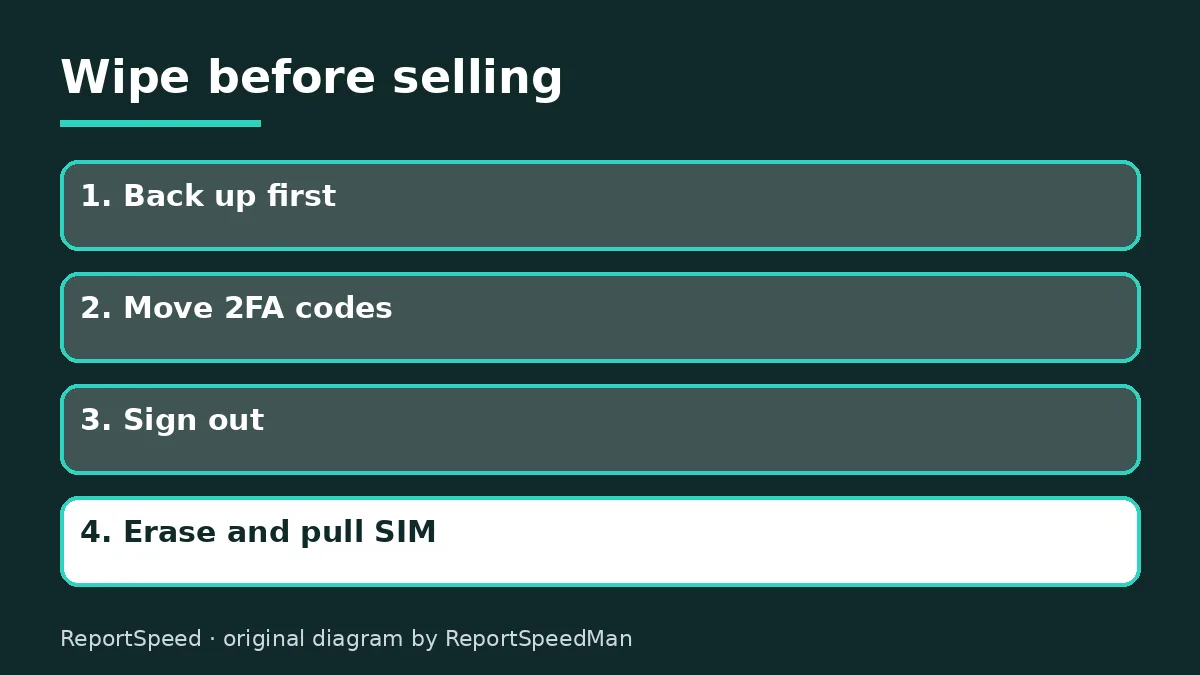
You're selling or trading in a phone and want to make sure none of your data goes with it.
| Step | iPhone | Android |
|---|---|---|
| Sign out | Apple Account | Remove Google Account |
| Reset | Erase All Content and Settings | Factory reset |
| Lock to remove | Activation Lock | Factory Reset Protection |
| SIM | Remove it | Remove it |
Causes & evidence
Apple's support guide says that before you sell or give away an iPhone, you should back it up, sign out of your Apple Account, which turns off Find My and Activation Lock, and then erase all content and settings. Google's Android help says to back up your data, remove your Google Account and then factory reset, because Factory Reset Protection can otherwise ask the next user for your account details. Authenticator apps need special attention: move or export your codes to your new phone before wiping the old one, or you can lock yourself out of accounts. Remove your SIM card and any memory card.
A factory reset removes data in a way the buyer can't easily recover on modern phones with encryption turned on by default.
Resetting before moving your authenticator codes can lock you out of your own accounts.
What to do
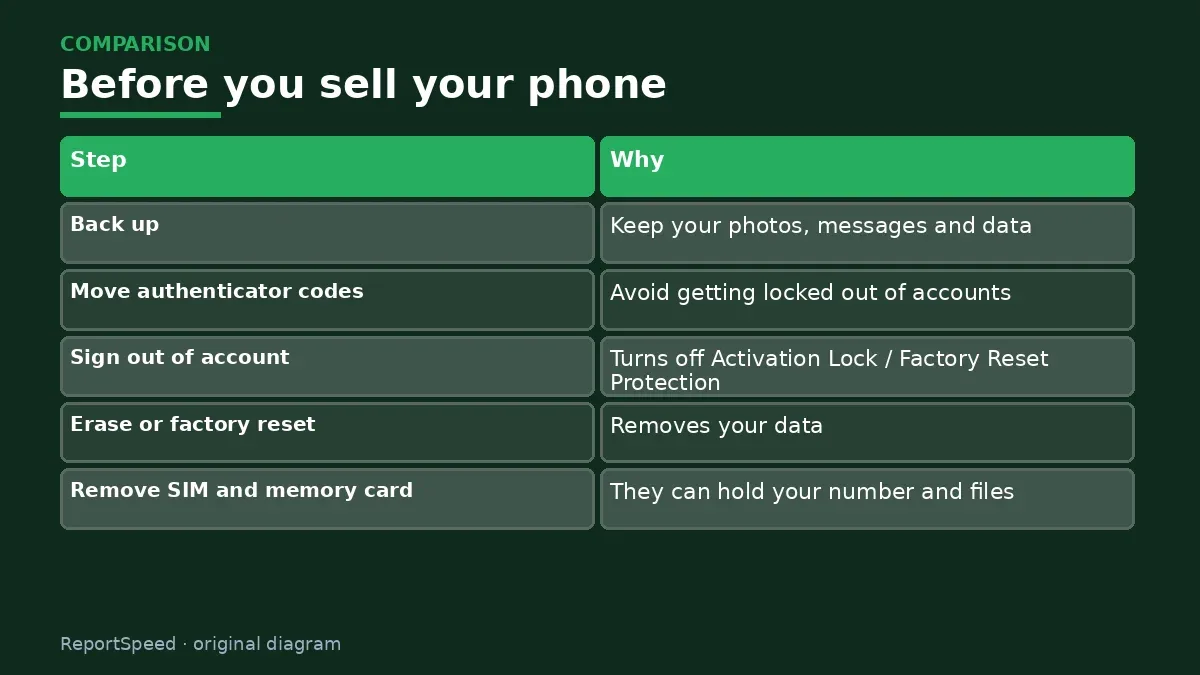
| Step | Why |
|---|---|
| Back up | Keep your photos, messages and data |
| Move authenticator codes | Avoid getting locked out of accounts |
| Sign out of account | Turns off Activation Lock / Factory Reset Protection |
| Erase or factory reset | Removes your data |
| Remove SIM and memory card | They can hold your number and files |
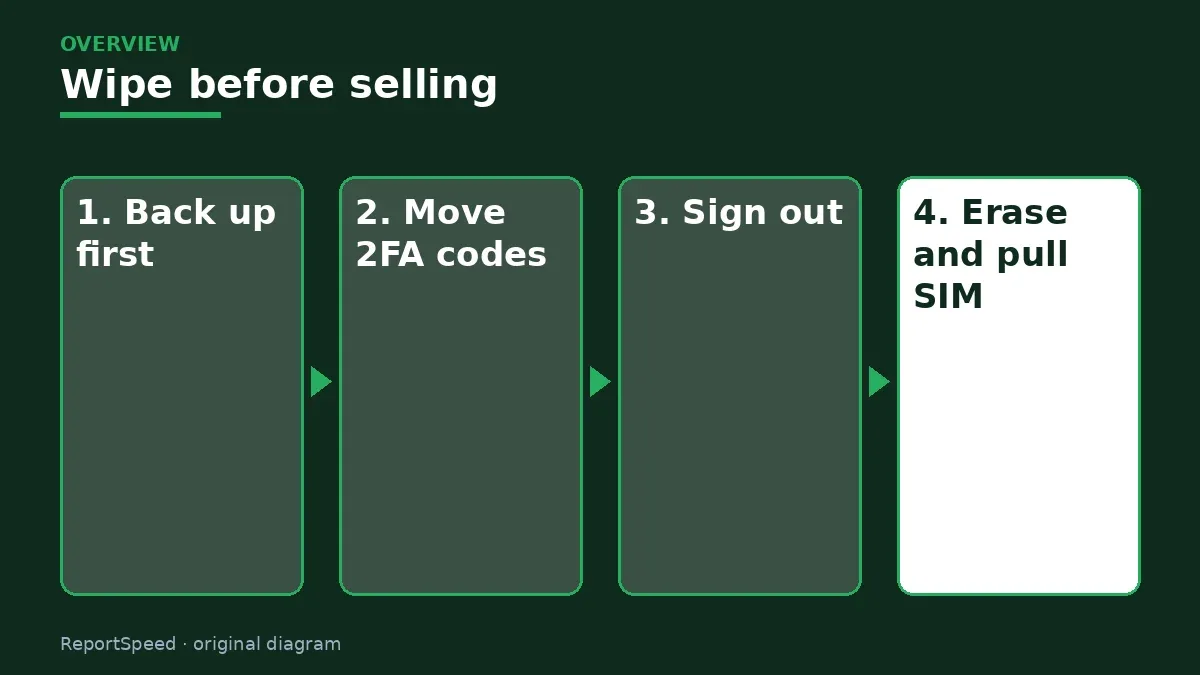
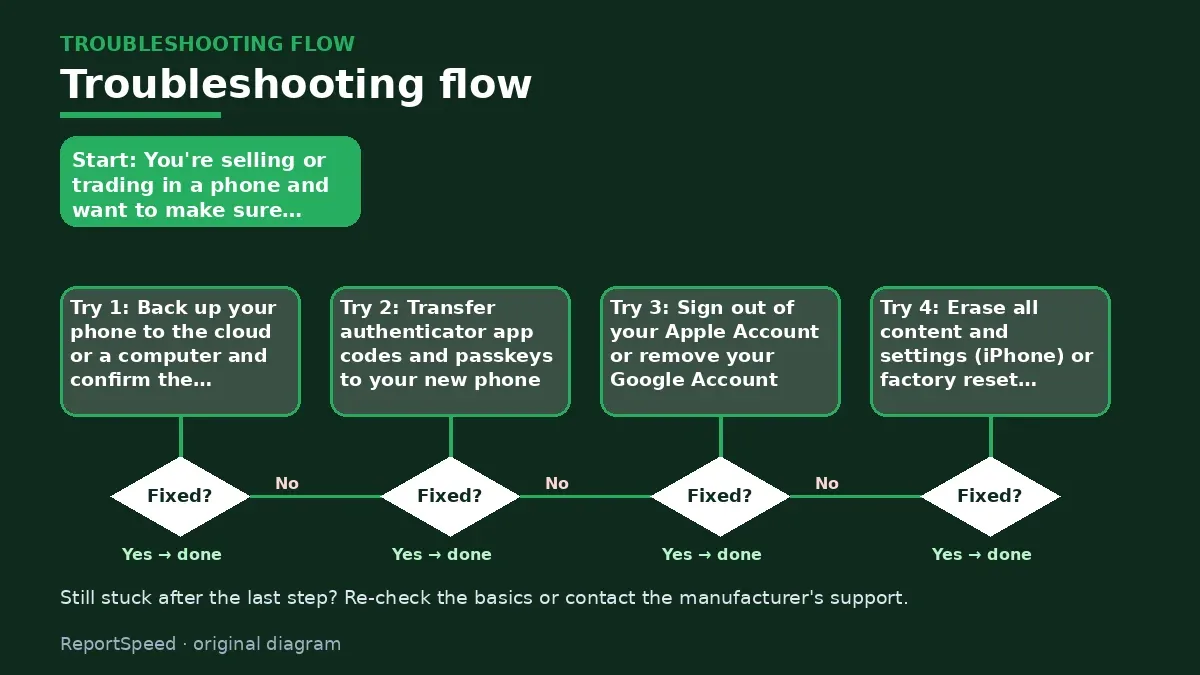
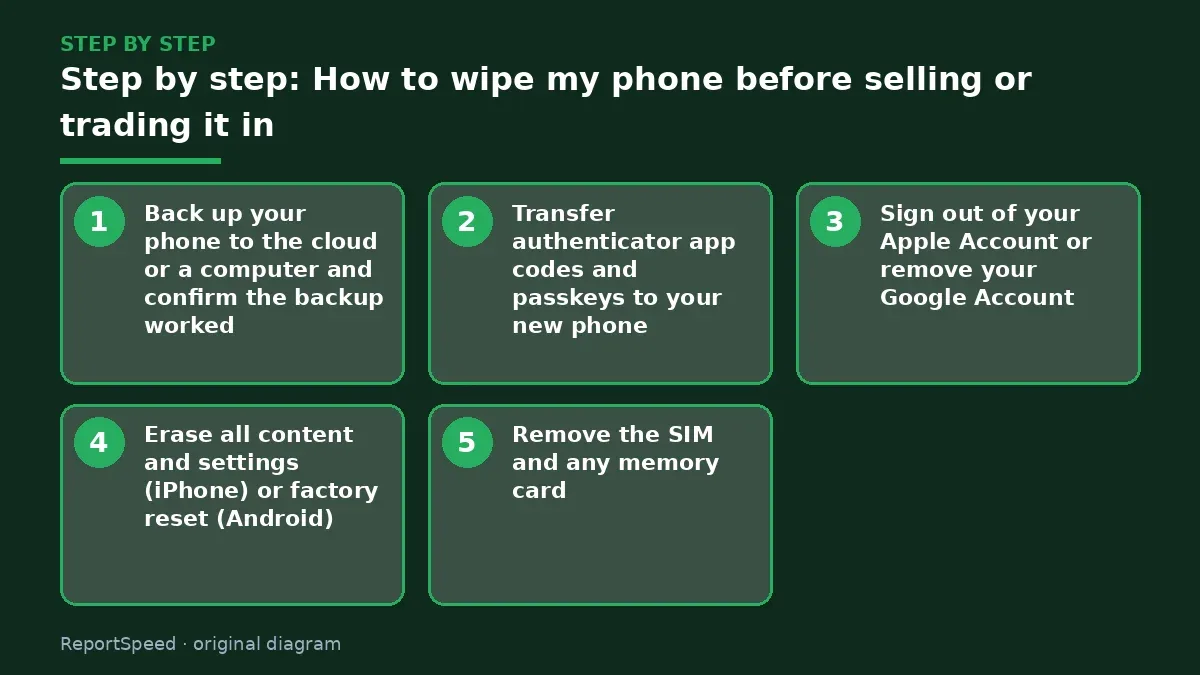
- Back up your phone to the cloud or a computer and confirm the backup worked.
- Transfer authenticator app codes and passkeys to your new phone.
- Sign out of your Apple Account or remove your Google Account.
- Erase all content and settings (iPhone) or factory reset (Android).
- Remove the SIM and any memory card, and remove the device from your account's device list.
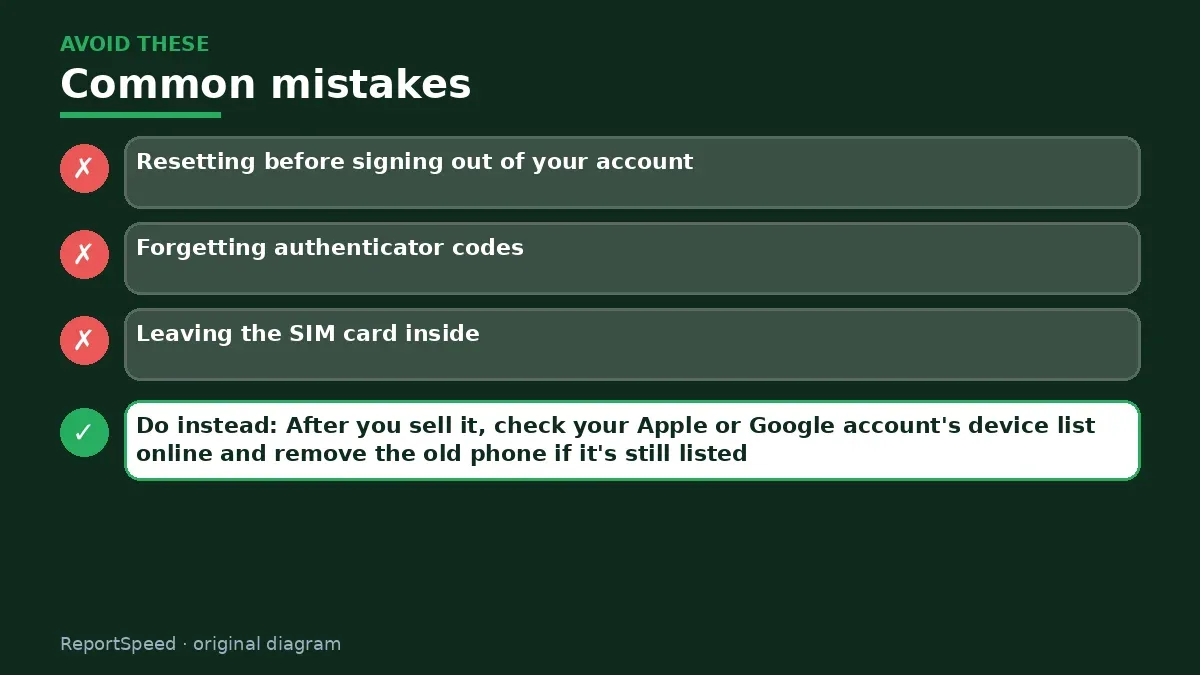
Common mistakes:
- Resetting before signing out of your account
- Forgetting authenticator codes
- Leaving the SIM card inside
ReportSpeedMan tip: After you sell it, check your Apple or Google account's device list online and remove the old phone if it's still listed.
What I would actually do
I'd do the full sequence the night before the sale, then check my account's device list afterwards to confirm the phone is gone.
The trade-off people miss: trading in at a store is quicker and safer for privacy, while selling yourself pays more but needs the full wipe checklist.
How you can tell it worked
The phone shows the setup screen and no longer appears in your account's device list.
Quick FAQ
Do I need to remove my eSIM?
Erasing usually asks; delete it if you won't reuse it.
Is a reset enough by itself?
Sign out first to avoid locks.
What about WhatsApp backups?
Back them up before erasing.
Wrap-up: Back up, move your authenticator, sign out, erase and pull the SIM. Done in that order, the buyer gets a clean phone and you keep your accounts.
Wiki: Multi-Factor Authentication (MFA) and Identity Theft Recovery Steps.
How to wipe my phone before selling or trading it in: primary sources
Step-by-step photos
1. Before The problem 
2. Why it happens The cause 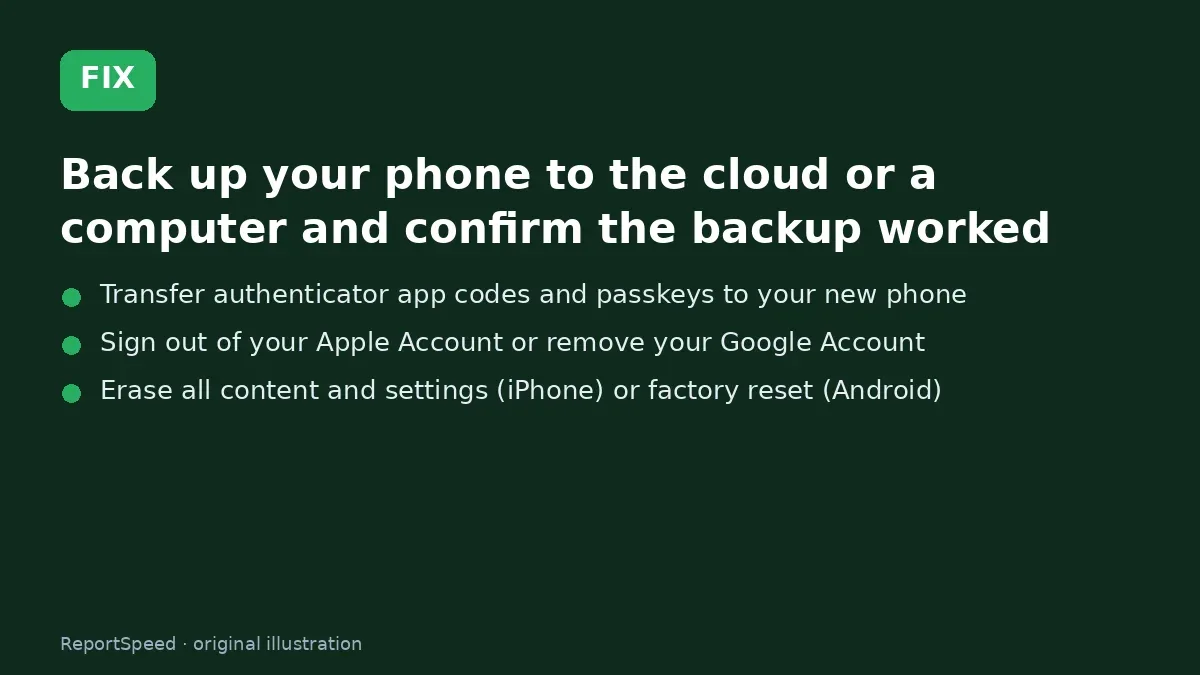
3. The fix The fix 
4. After The result
⚡ Speed Summary
- Back up, move your authenticator, sign out, erase and pull the SIM.
- After you sell it, check your Apple or Google account's device list online and remove the old phone if it's still listed.
- Resetting before moving your authenticator codes can lock you out of your own accounts.

Was this answer helpful?
Tap a star to rate this answer.
Related questions

Got an 'AirTag found moving with you' alert? What to do next
Find the tracker, document it, identify the owner, and disable it.
Rate itSolved

Is my smart TV tracking what I watch? How to turn off ACR
Smart TVs may use ACR to track viewing.
Rate itSolved

Caller ID spoofing: why scammers show a local number and how to protect yourself
Caller ID can be faked, and spoofing to defraud is illegal.
Rate itSolved

How do I stop spam emails without making it worse?
Mark spam, block repeat senders, unsubscribe only from known companies, and report phishing.
Rate itSolved
Real experiences
No experiences yet. Be the first to share.