


A big warning popped up on my laptop saying it was infected and to call Microsoft support immediately at a phone number. It made a loud beeping noise and I couldn't close the browser. Is this real? What should I do?
Tech support scam pop-up: what to do if you see one
Concerns & risks
A scary pop-up is telling you to call a support number about a virus.
| What happened | Next step |
|---|---|
| Gave remote access | Disconnect, scan, change passwords |
| Paid by card | Call your card company |
| Paid by gift card | Contact the card issuer quickly |
| Shared passwords | Change them now |

Causes & evidence
The FTC explains that tech support scammers try to scare you into believing your computer has a problem so you'll pay for unnecessary services. They may use pop-up warnings that look like error messages from your operating system or antivirus software, often with a phone number to call. The FTC says legitimate tech companies won't contact you by phone, email or text to say there's a problem with your computer, and their security pop-up warnings never ask you to call a phone number. If you get a pop-up like this, don't call or click; close the browser, and if it won't close, restart the computer. If you already gave a scammer remote access or payment, update security software, run a scan, change passwords and contact your card company.
Scammers may also call you directly claiming to be from a well-known tech company. Hang up and contact the company through its official site if you're worried. It's also a good idea to keep your browser and operating system updated, since updates can block some scam pages and pop-up tricks. If an older relative uses your computer, show them what a fake warning looks like and agree on a simple rule: never call a number from a pop-up, and ask a family member first.
Calling the number on the pop-up hands the scammer the chance to take remote control or your money.
What to do
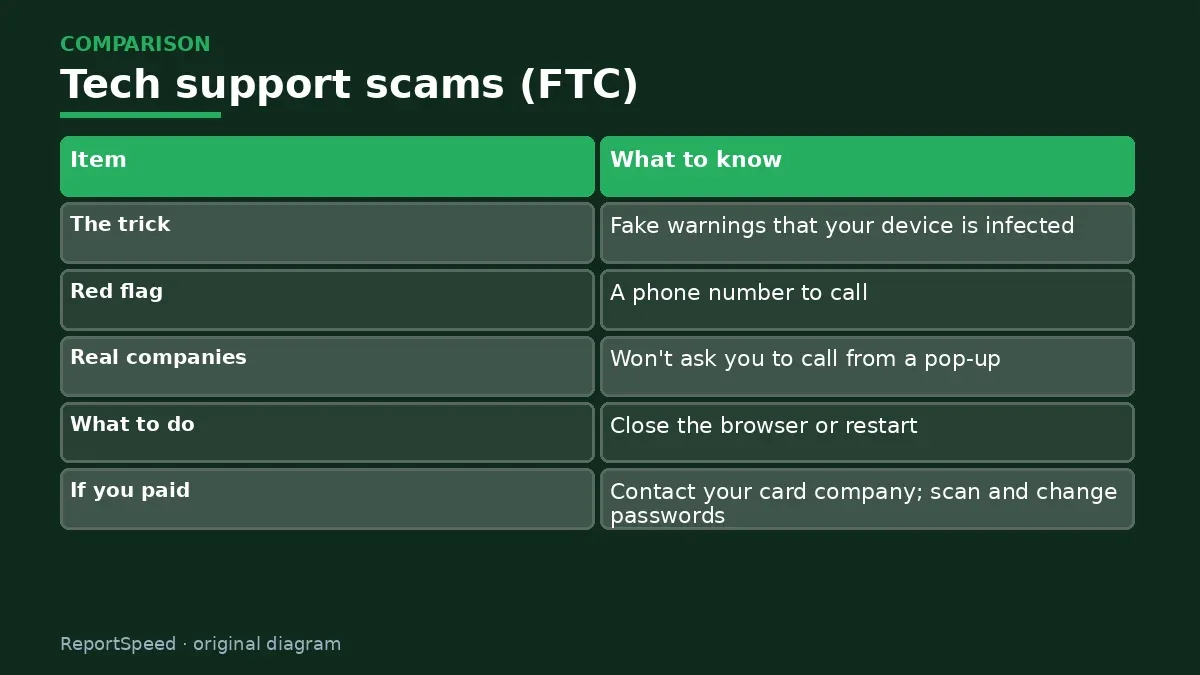
| Item | What to know |
|---|---|
| The trick | Fake warnings that your device is infected |
| Red flag | A phone number to call |
| Real companies | Won't ask you to call from a pop-up |
| What to do | Close the browser or restart |
| If you paid | Contact your card company; scan and change passwords |
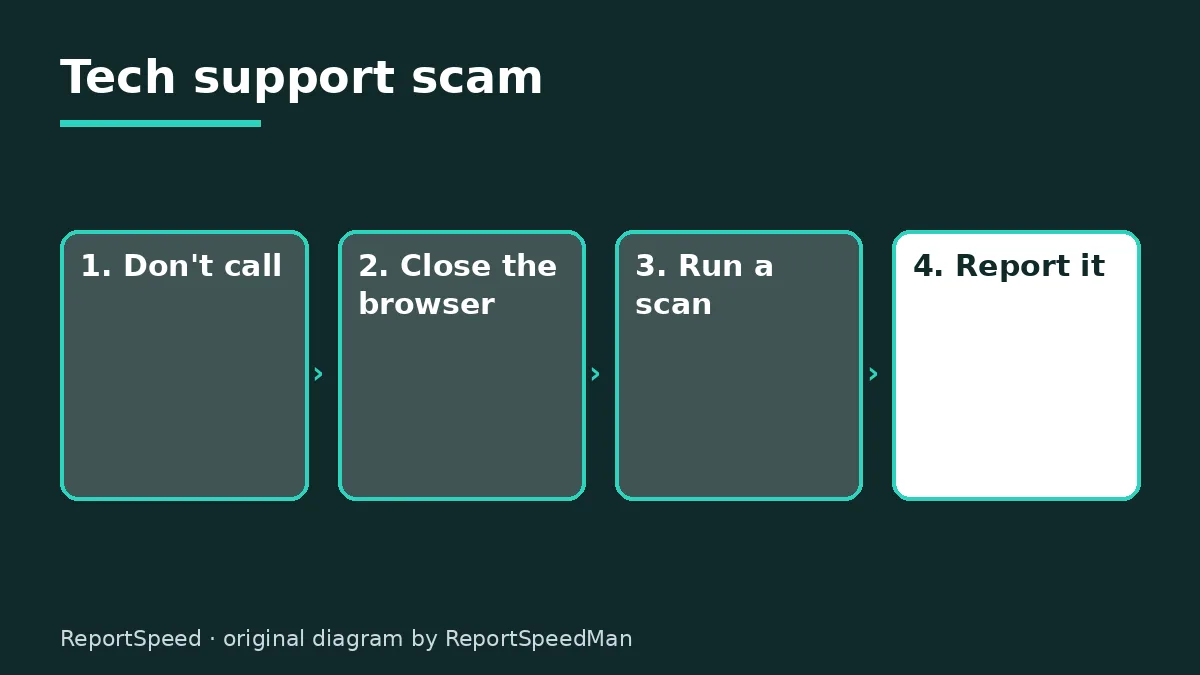
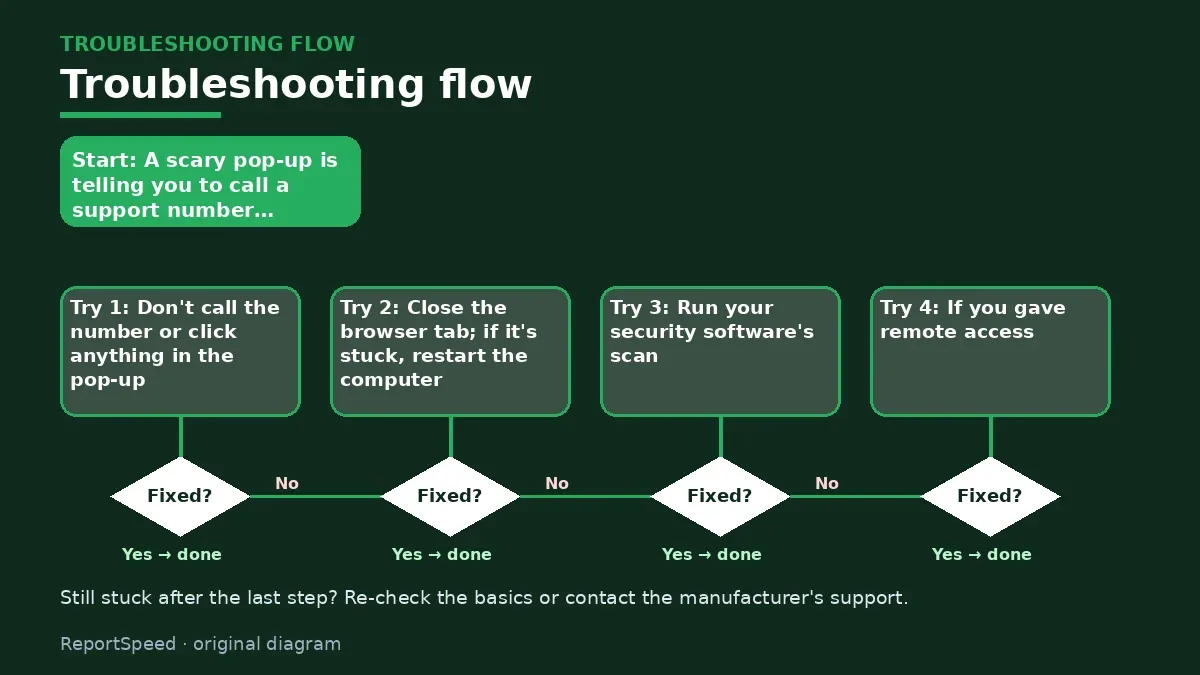
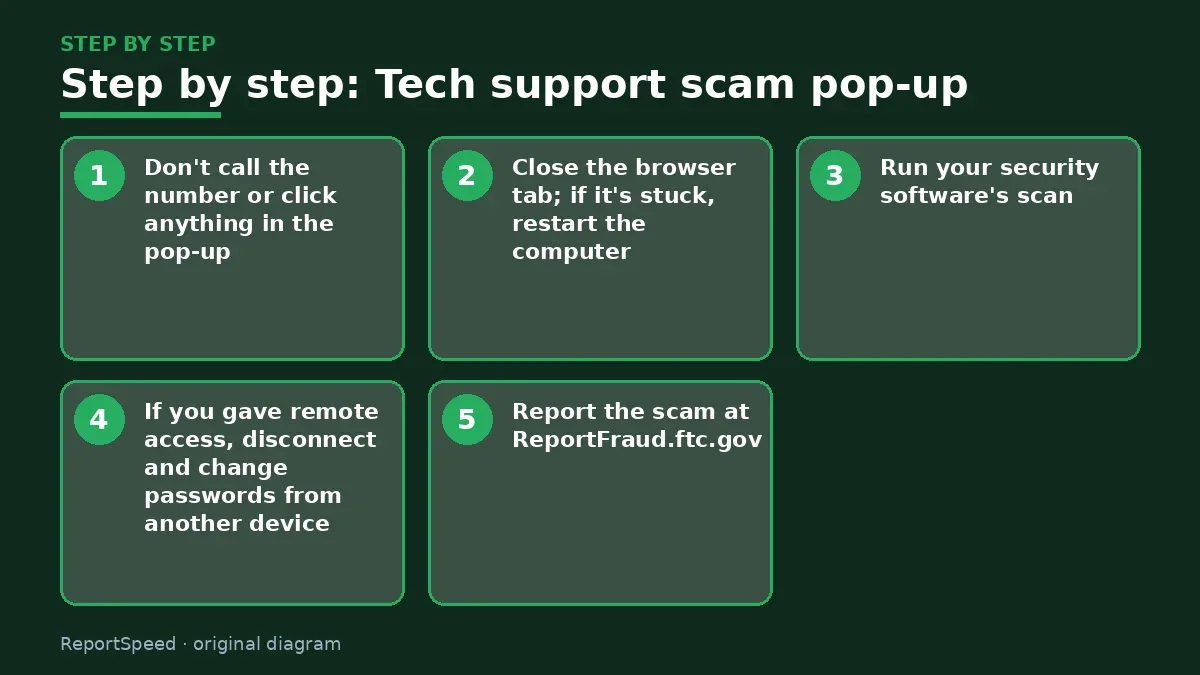
- Don't call the number or click anything in the pop-up.
- Close the browser tab; if it's stuck, restart the computer.
- Run your security software's scan.
- If you gave remote access, disconnect and change passwords from another device.
- Report the scam at ReportFraud.ftc.gov.
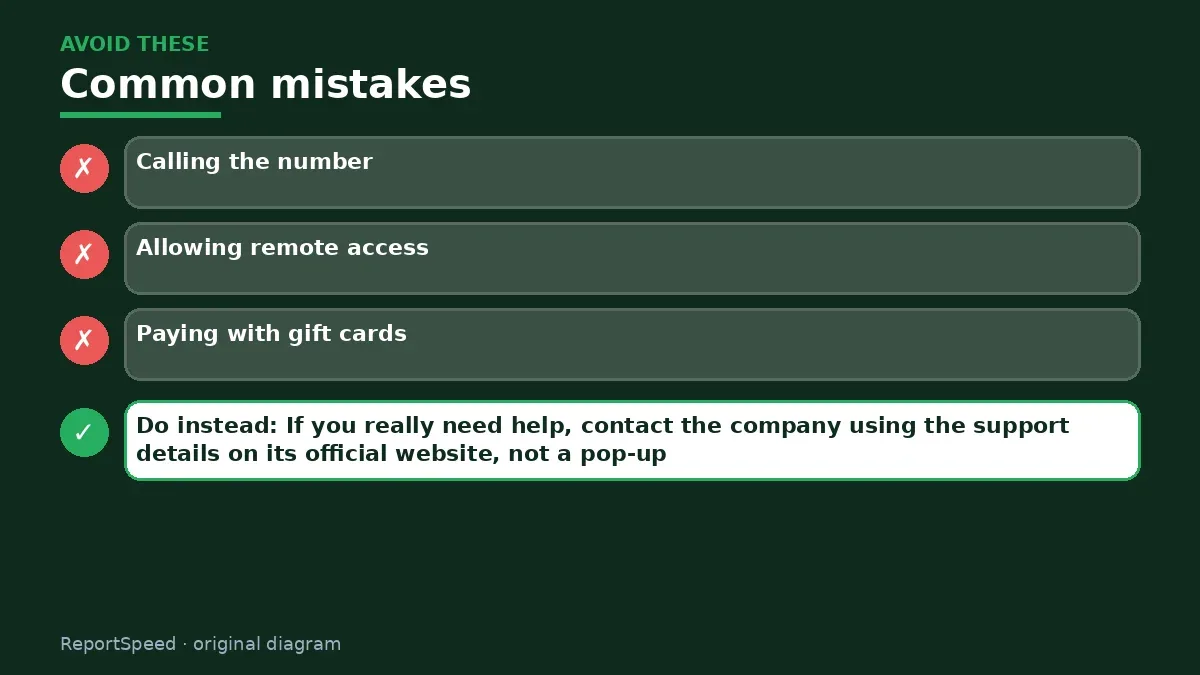
Common mistakes:
- Calling the number
- Allowing remote access
- Paying with gift cards
ReportSpeedMan tip: If you really need help, contact the company using the support details on its official website, not a pop-up.
What I would actually do
I'd close the browser, restart if needed and run a scan, without touching the phone number.
The trade-off people miss: the loud alarm and frozen screen are designed to create panic; restarting usually ends it.
How you can tell it worked
The pop-up is gone, a scan is clean and you never called the number.
Quick FAQ
Can a website really infect my computer?
The pop-up itself is usually just a scare page.
Should I pay to remove it?
No.
What if they call me?
Hang up.
Wrap-up: A pop-up with a phone number is a scam. Close it, restart if needed and never call.
Wiki: Phishing and Identity Theft Recovery Steps.
Tech support scam pop-up: official sources I checked
Step-by-step photos
1. Before The problem 
2. Why it happens The cause 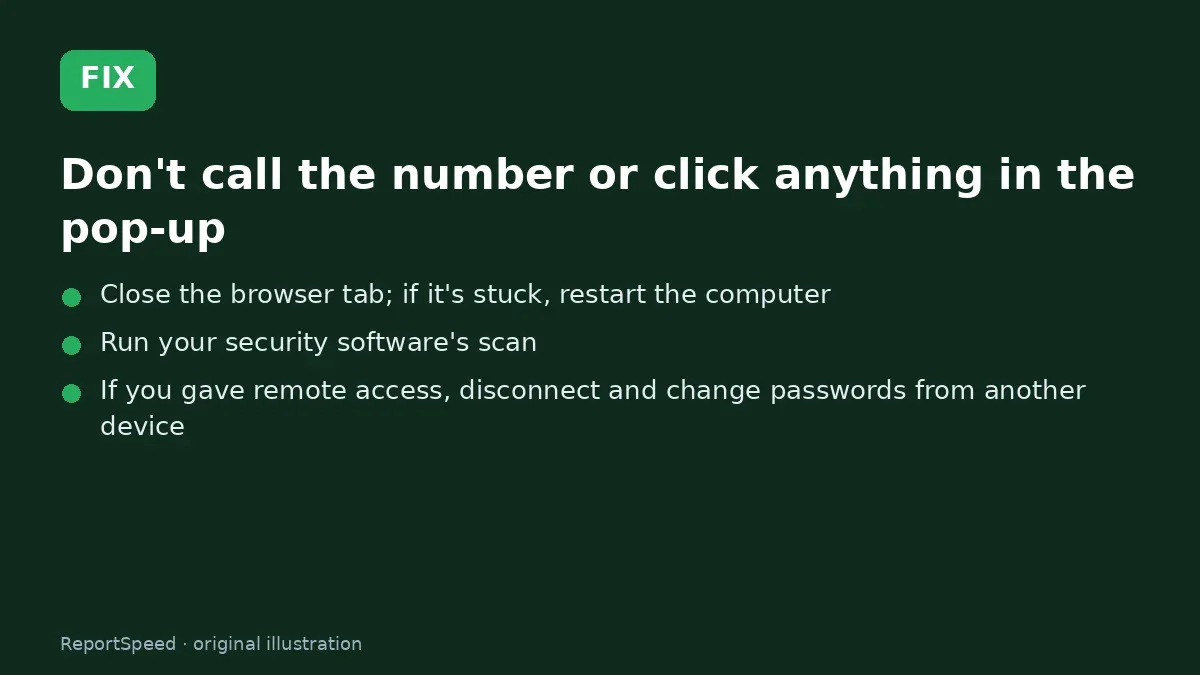
3. The fix The fix 
4. After The result
⚡ Speed Summary
- A pop-up with a phone number is a scam.
- If you really need help, contact the company using the support details on its official website, not a pop-up.
- Calling the number on the pop-up hands the scammer the chance to take remote control or your money.

Was this answer helpful?
Tap a star to rate this answer.
Related questions

Got an 'AirTag found moving with you' alert? What to do next
Find the tracker, document it, identify the owner, and disable it.
Rate itSolved

Is my smart TV tracking what I watch? How to turn off ACR
Smart TVs may use ACR to track viewing.
Rate itSolved

Caller ID spoofing: why scammers show a local number and how to protect yourself
Caller ID can be faked, and spoofing to defraud is illegal.
Rate itSolved

How do I stop spam emails without making it worse?
Mark spam, block repeat senders, unsubscribe only from known companies, and report phishing.
Rate itSolved
Real experiences
No experiences yet. Be the first to share.