


My phone was stolen from my table at a coffee shop about 20 minutes ago. It has my banking apps, my email and a payment card in the wallet app. I'm using a friend's laptop right now. What should I do first with a lost or stolen phone, and in what order?
Lost or stolen phone: what to do in the first hour
Concerns & risks
Your phone was just stolen, and it holds banking apps, email and a mobile wallet card.
| Prep | Why |
|---|---|
| Find-my-device on | Lets you lock and erase |
| IMEI noted | Carrier and police need it |
| Screen lock | Stops casual access |
| Backup on | Restores your data |
| Carrier PIN | Helps block SIM swaps |
Causes & evidence
The FCC advises that if your wireless device is lost or stolen, you should try to locate it, and if you can't, remotely lock it and, if needed, erase its data using the phone's find-my-device service. Report the loss to your wireless carrier so it can suspend service, which helps stop the thief from using your number to receive account codes; have your phone's IMEI or other identifying number ready if you can find it. Report a theft to the police and keep the report number. Change passwords for accounts you accessed from the phone, especially email, banking and payment apps, and contact your bank and card issuers. Mobile wallet cards are often tied to a device token, and issuers can suspend the device's access. Erasing the phone protects your data but generally stops you from locating it afterwards, so mark it lost first, then erase if recovery looks unlikely.
Edge cases: if the thief can see your lock screen, notifications could reveal codes, so hide notification previews in settings. If you used text-message codes for MFA, call your carrier quickly so the thief can't receive them on a new SIM. Check whether your phone insurance or card benefits cover theft.
Spending the first hour searching for the phone before locking it gives a thief time to get into accounts.
What to do
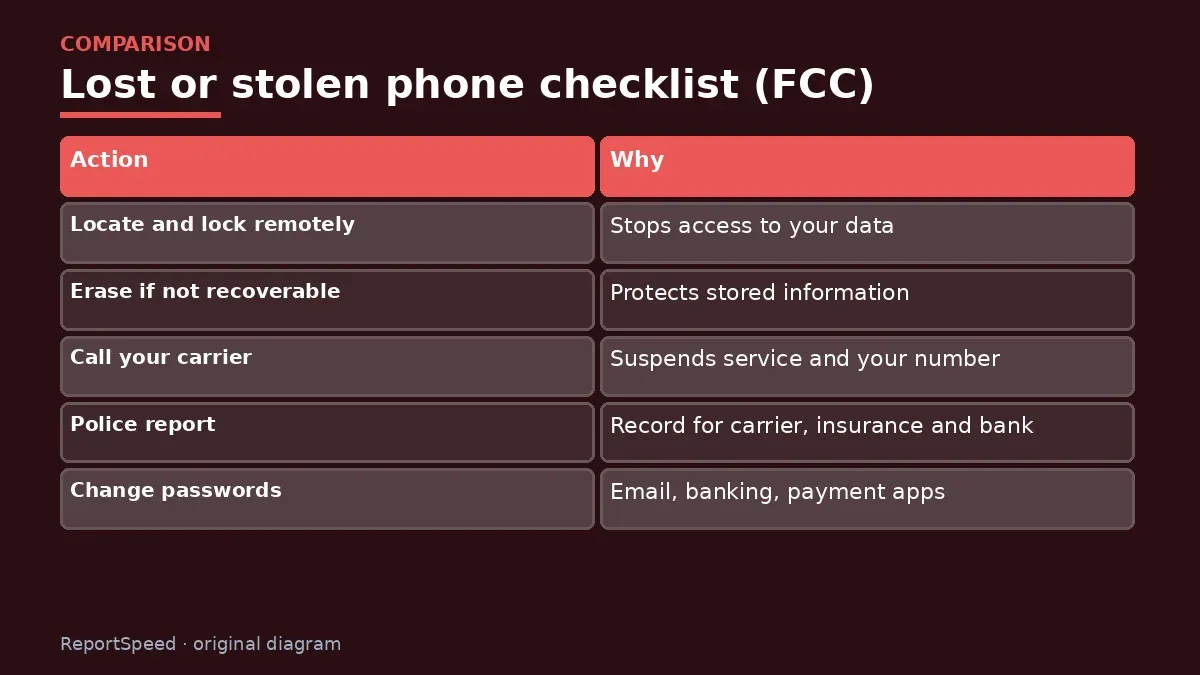
| Action | Why |
|---|---|
| Locate and lock remotely | Stops access to your data |
| Erase if not recoverable | Protects stored information |
| Call your carrier | Suspends service and your number |
| Police report | Record for carrier, insurance and bank |
| Change passwords | Email, banking, payment apps |
| Call bank and card issuers | Suspend wallet cards, watch for fraud |
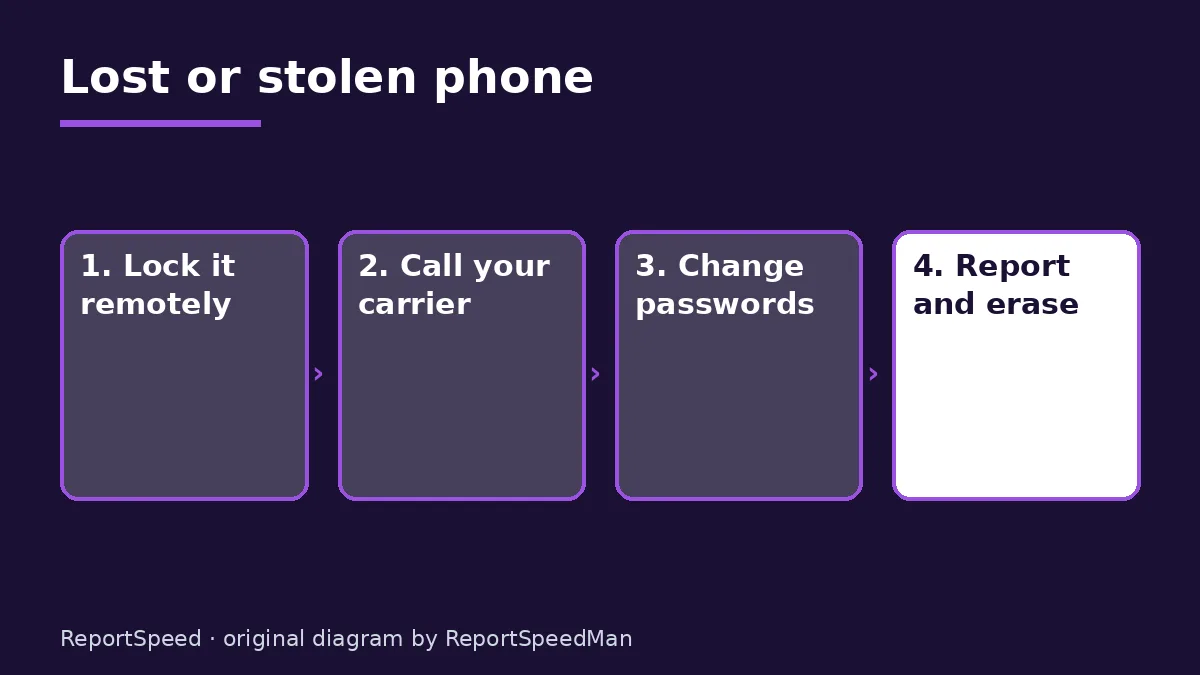
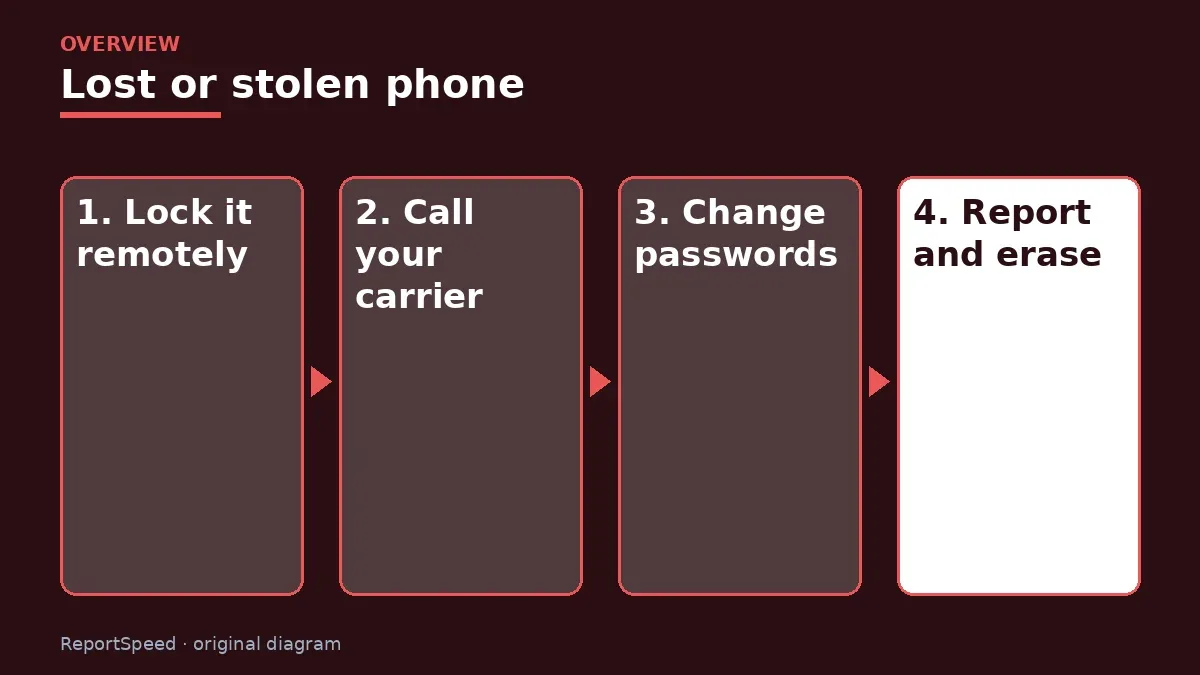
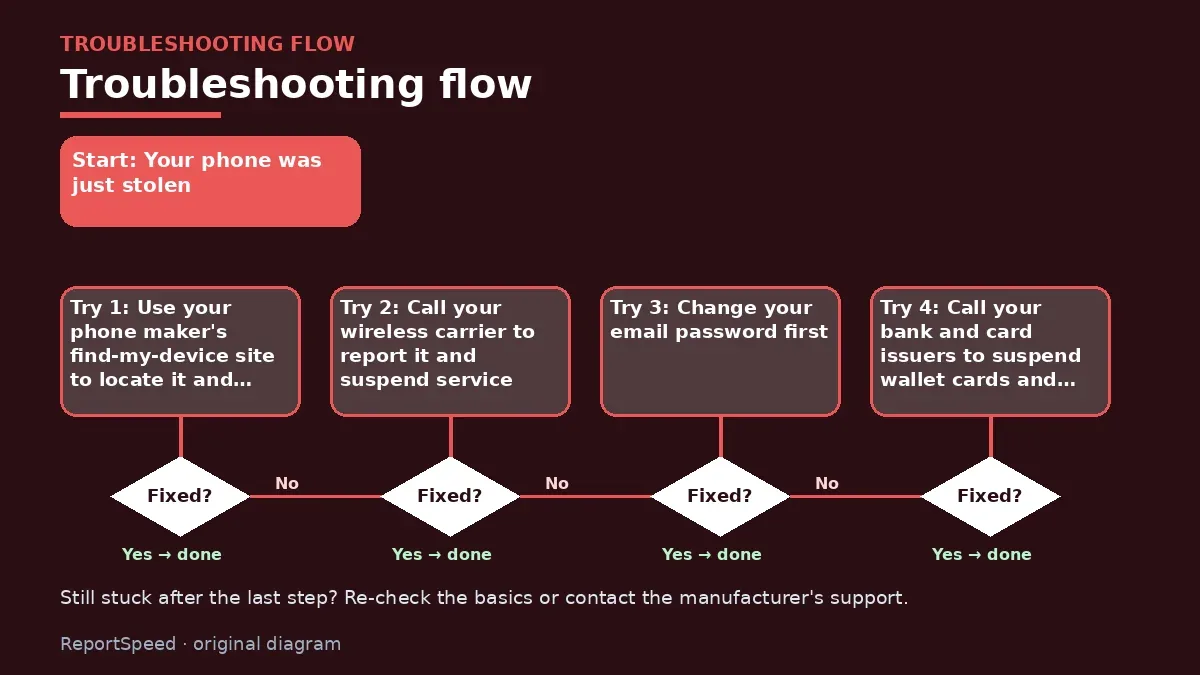
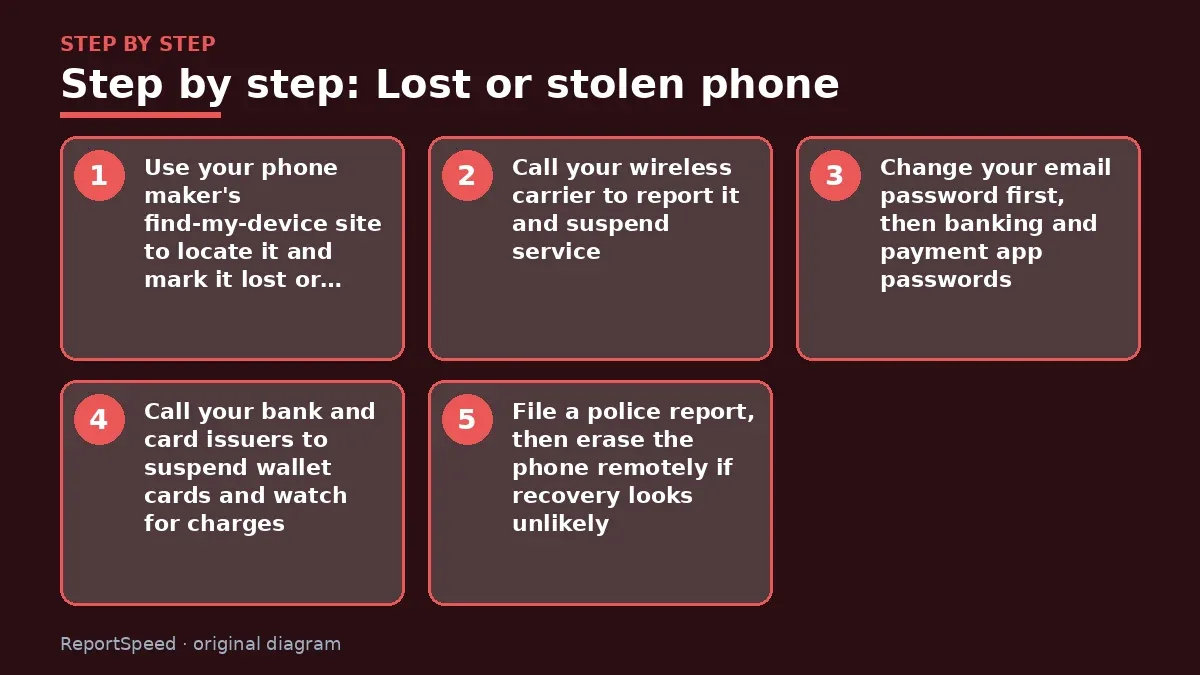
- Use your phone maker's find-my-device site to locate it and mark it lost or lock it.
- Call your wireless carrier to report it and suspend service.
- Change your email password first, then banking and payment app passwords.
- Call your bank and card issuers to suspend wallet cards and watch for charges.
- File a police report, then erase the phone remotely if recovery looks unlikely.

Common mistakes:
- Searching for too long before locking
- Not calling the carrier
- Forgetting the wallet card
- Erasing before trying to locate
ReportSpeedMan tip: Write your IMEI number and your carrier's support number somewhere safe now, before you ever need them. On most phones, dialing *#06# shows the IMEI.
What I would actually do
I'd mark the phone lost from the find-my site, call my carrier, change my email password and call my bank, all within the first hour, then file a police report.
The trade-off people miss: erasing the phone protects data but usually ends tracking, so lock it first. Erase once you're confident it isn't coming back.
How to tell it worked
The phone is locked, service is suspended and your passwords are changed.
Quick FAQ
Will police track my phone?
They may, but the report mainly helps with your carrier and insurer.
Can I keep my number?
Yes. Your carrier can move it to a new SIM.
Should I remove cards from my wallet app?
Your bank can suspend them remotely.
Wrap-up: Lock the phone remotely, suspend service with your carrier, change email and bank passwords, suspend wallet cards and file a police report. Erase it once recovery looks unlikely.
Wiki: Identity Theft Recovery Steps and Multi-Factor Authentication (MFA).
Lost or stolen phone: read the originals
Step-by-step photos

1. Before The problem 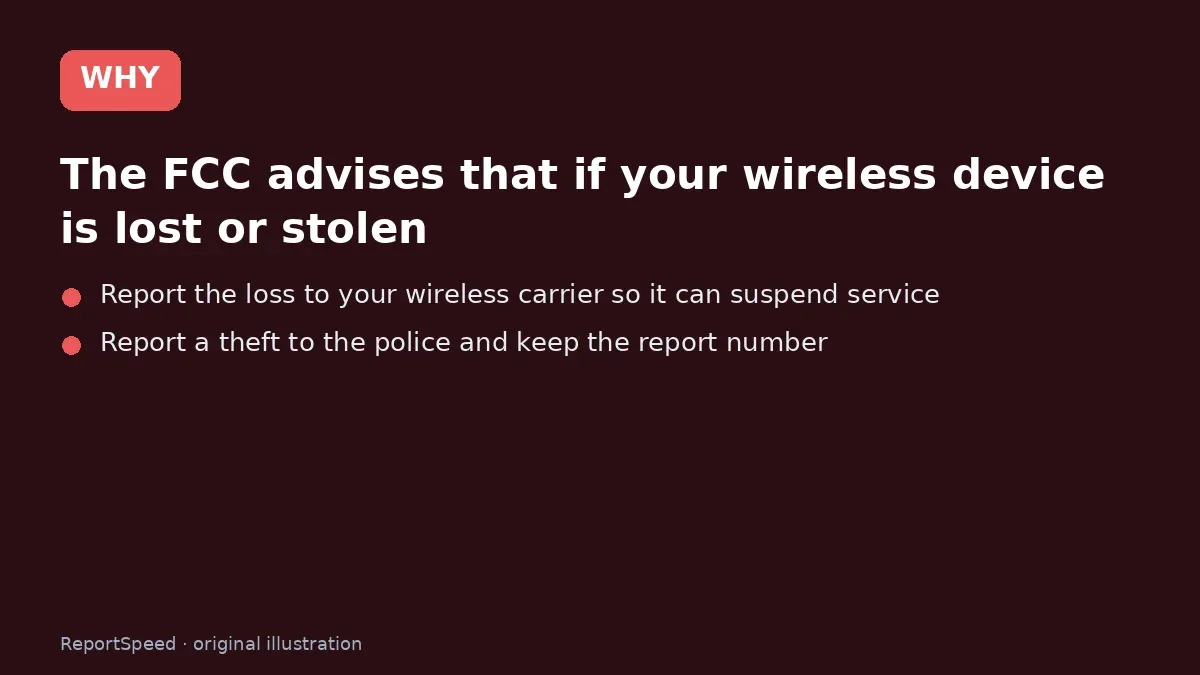
2. Why it happens The cause 
3. The fix The fix 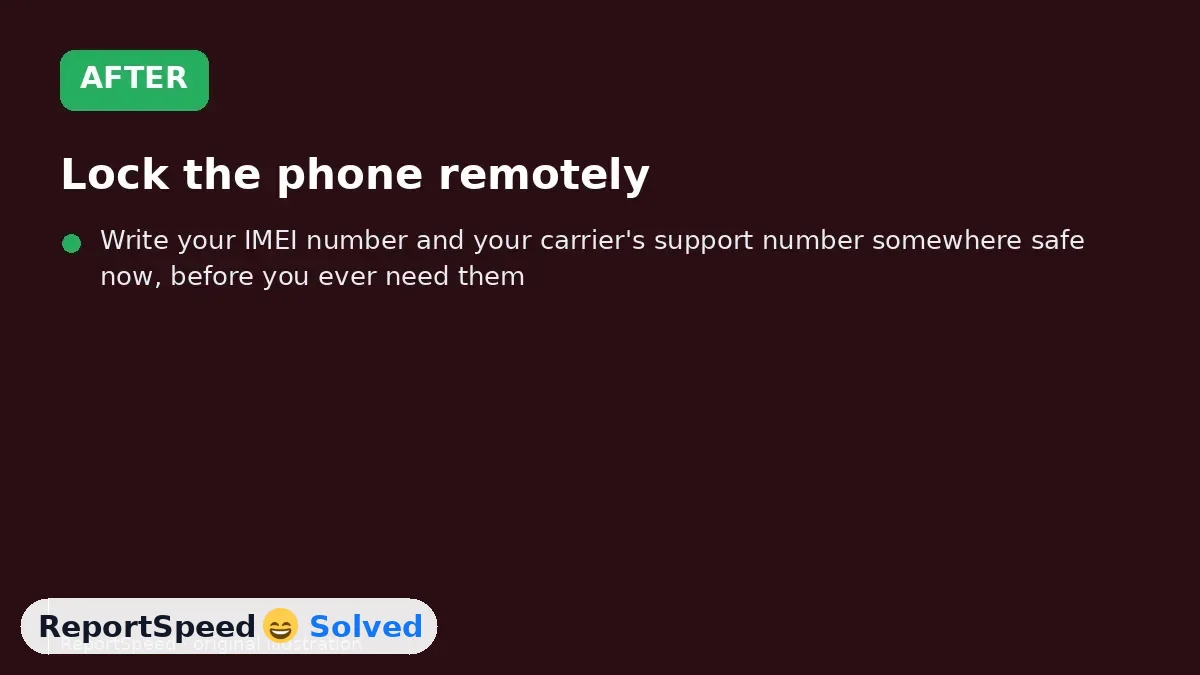
4. After The result
⚡ Speed Summary
- Lock the phone remotely, suspend service with your carrier, change email and bank passwords, suspend wallet cards and file a police report.
- Write your IMEI number and your carrier's support number somewhere safe now, before you ever need them. On most phones, dialing *#06# shows the IMEI.
- Spending the first hour searching for the phone before locking it gives a thief time to get into accounts.

Was this answer helpful?
Tap a star to rate this answer.
Related questions

Got an 'AirTag found moving with you' alert? What to do next
Find the tracker, document it, identify the owner, and disable it.
Rate itSolved

Is my smart TV tracking what I watch? How to turn off ACR
Smart TVs may use ACR to track viewing.
Rate itSolved

Caller ID spoofing: why scammers show a local number and how to protect yourself
Caller ID can be faked, and spoofing to defraud is illegal.
Rate itSolved

How do I stop spam emails without making it worse?
Mark spam, block repeat senders, unsubscribe only from known companies, and report phishing.
Rate itSolved
Real experiences
No experiences yet. Be the first to share.