


What wattage USB-C charger do I need for my laptop? Lost my original brick and the replacement options go from 30W to 240W. Will a lower watt charger damage it? Will a higher one fry it? I just want something safe that also charges my phone.
What wattage USB-C charger do I need for my laptop?
Concerns & risks
You need a replacement or travel charger and want to know which wattage works safely with your laptop.
| Your laptop | Charger | Note |
|---|---|---|
| Came with a charger | Match or exceed its wattage | Use USB PD |
| Thin and light | Often 45W to 65W class | Check maker spec |
| Gaming or workstation | May need maker's barrel charger | USB-C may charge slowly |
| Charging phone and laptop together | Multi-port with enough total | Watts are shared across ports |
Causes & evidence
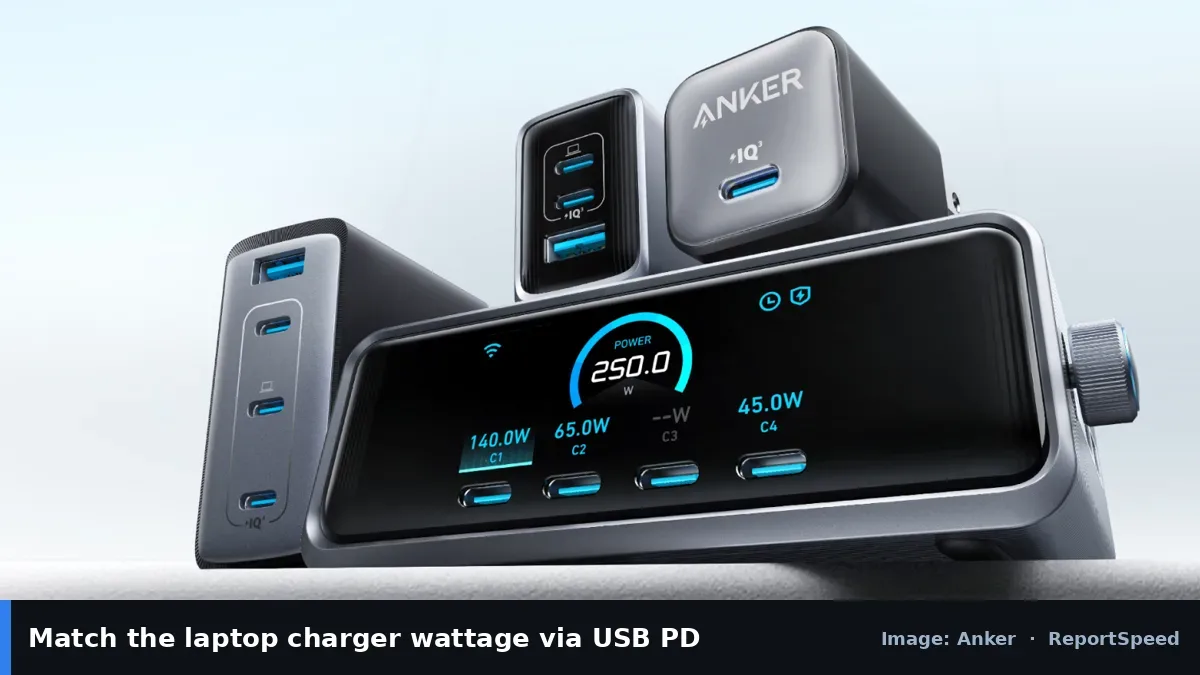
USB-C laptops usually charge with USB Power Delivery (PD), where the charger and device negotiate voltage and current. USB-IF says USB PD 3.1 extends power to up to 240W, up from 100W previously at 20V/5A, with new fixed voltages of 28V, 36V and 48V for 140W, 180W and 240W. Because of negotiation, a higher-watt PD charger only supplies what the laptop requests. A lower-watt charger may charge slowly, not charge under heavy load, or not charge at all, depending on the laptop. Cables matter too: higher power needs cables rated for it.
Heat and size are part of the choice: higher-watt chargers used to be bulky, but GaN designs have made them smaller. Look for certification marks and buy from the laptop maker or reputable brands. If the laptop shows a 'slow charger' warning, it's telling you the charger can't meet its request.
More watts never hurt a PD laptop, but too few watts can leave you with a dying battery mid-meeting.
What to do
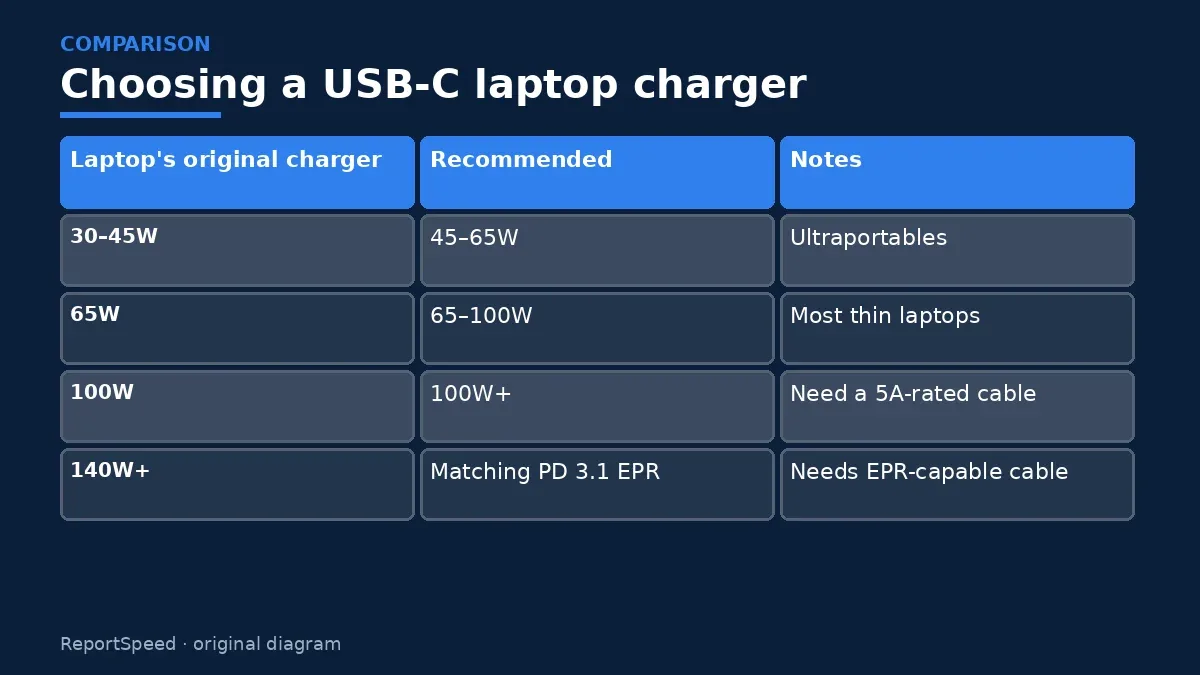
| Laptop's original charger | Recommended | Notes |
|---|---|---|
| 30–45W | 45–65W | Ultraportables |
| 65W | 65–100W | Most thin laptops |
| 100W | 100W+ | Need a 5A-rated cable |
| 140W+ | Matching PD 3.1 EPR | Needs EPR-capable cable |
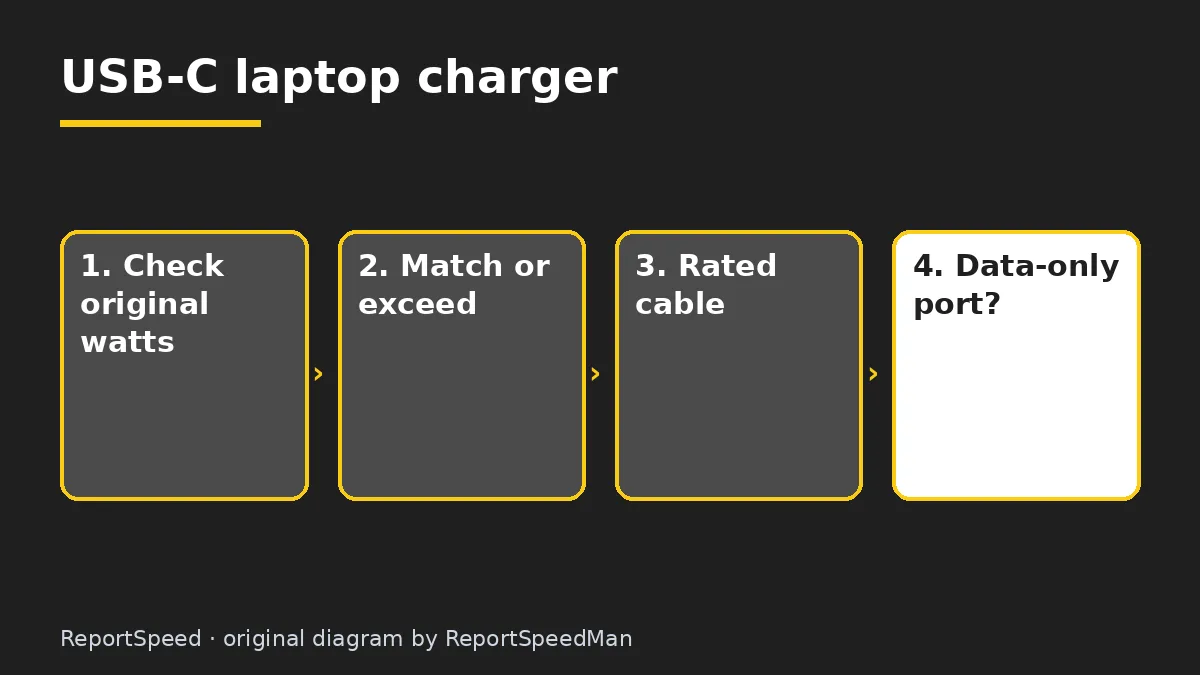
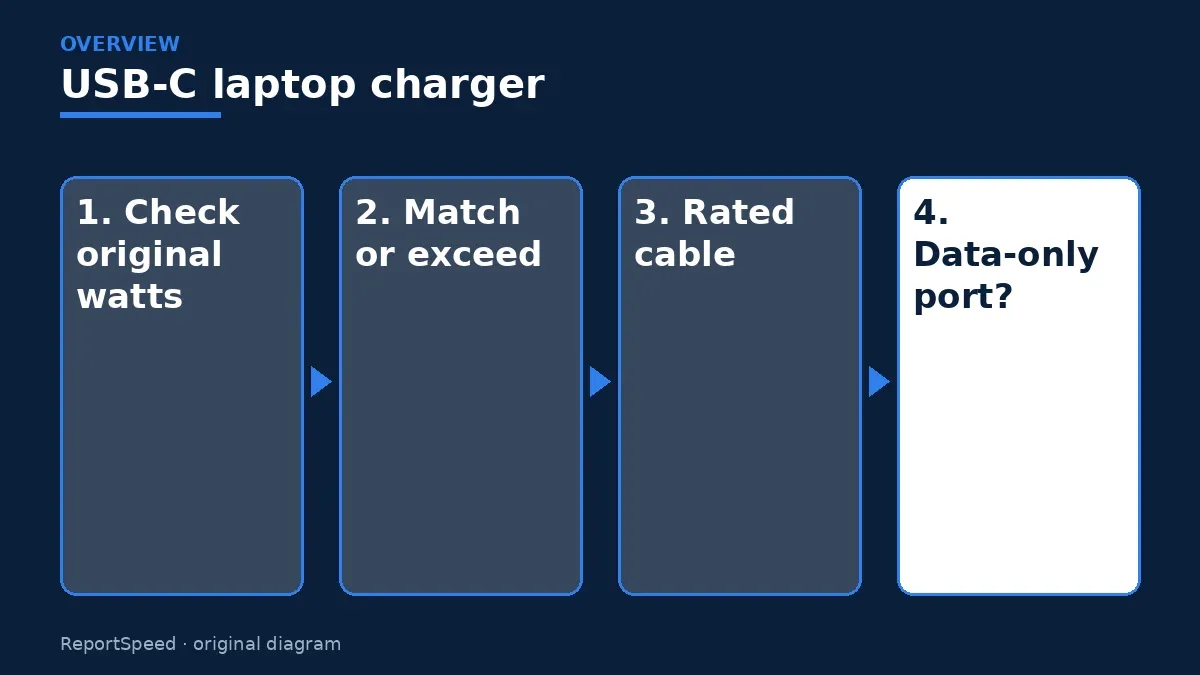
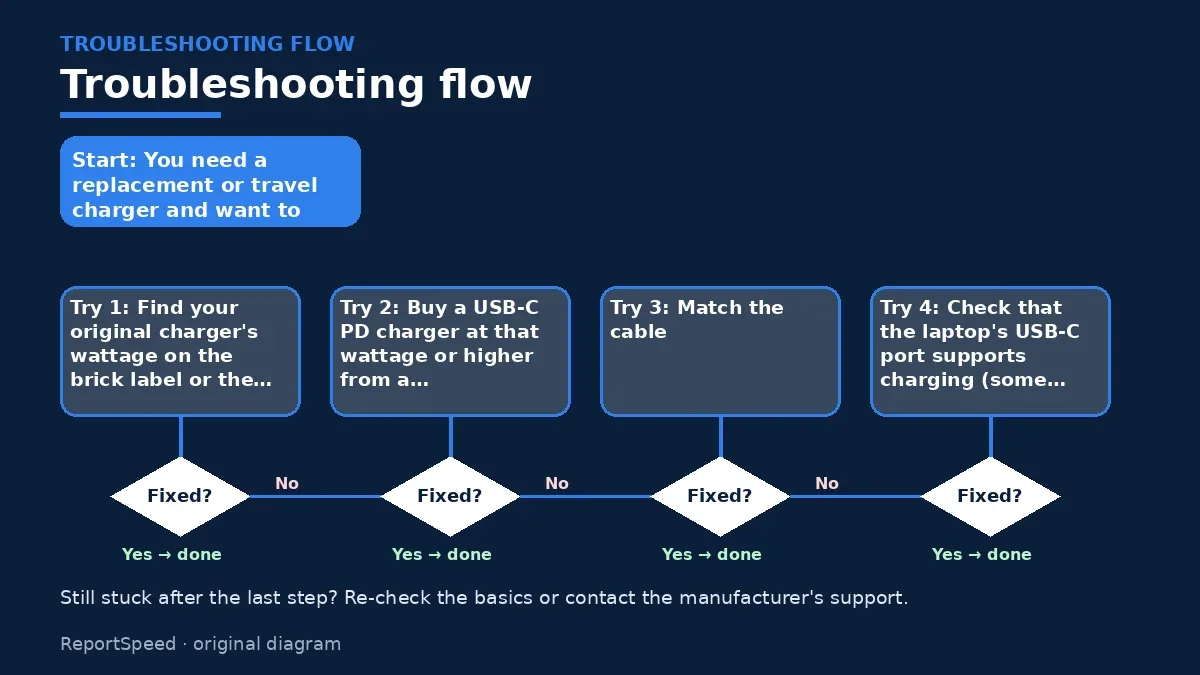
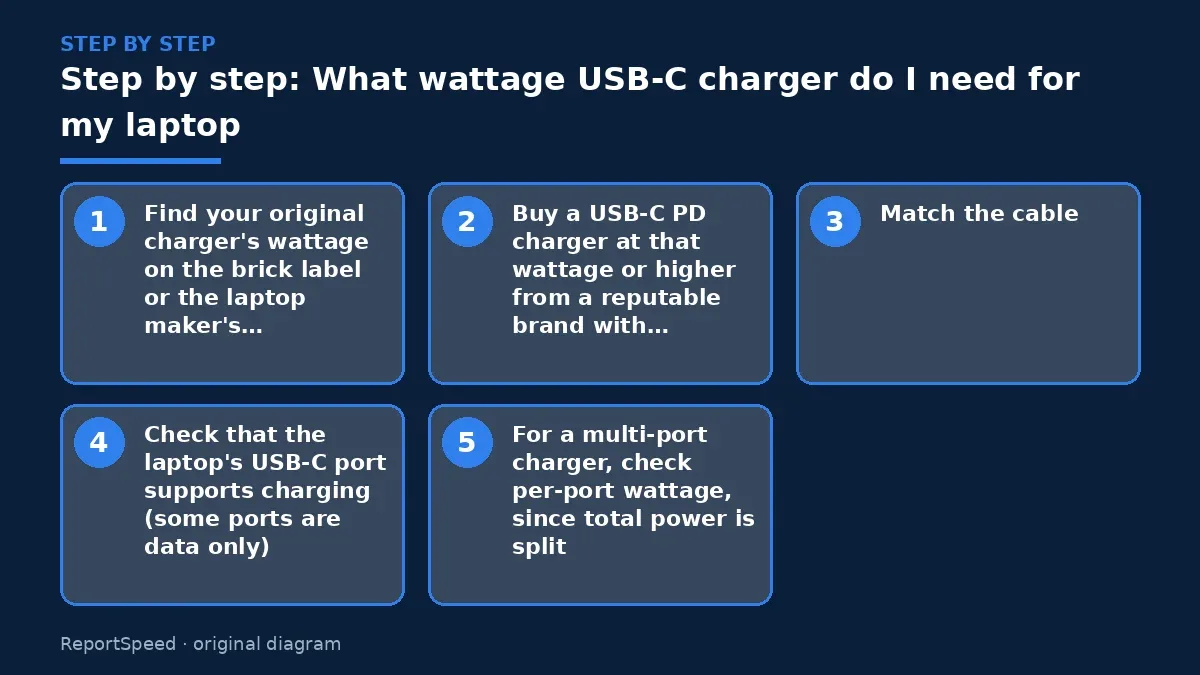
- Find your original charger's wattage on the brick label or the laptop maker's spec page.
- Buy a USB-C PD charger at that wattage or higher from a reputable brand with certification.
- Match the cable: 60W cables are common; 100W+ needs a 5A-rated cable, and 240W needs an EPR cable.
- Check that the laptop's USB-C port supports charging (some ports are data only).
- For a multi-port charger, check per-port wattage, since total power is split.
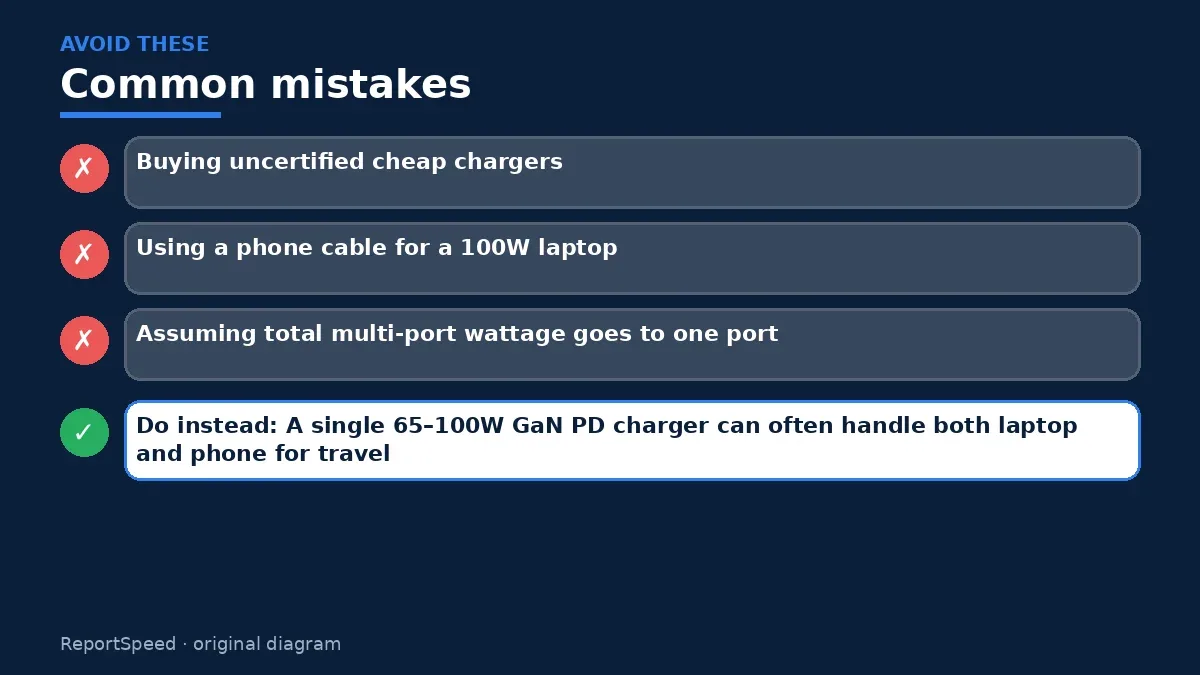
Common mistakes:
- Buying uncertified cheap chargers
- Using a phone cable for a 100W laptop
- Assuming total multi-port wattage goes to one port
ReportSpeedMan tip: A single 65–100W GaN PD charger can often handle both laptop and phone for travel.
What I would actually do
a USB PD charger that matches the laptop's original wattage, from a reputable brand, with a cable rated for that power.
The trade-off people miss: multi-port chargers split power. Plugging a phone in can slow the laptop.
Signs it worked
The right charger charges your laptop without slow-charging warnings, even under load, and stays comfortably warm, not hot.
Quick FAQ
Can I use my phone charger for my laptop?
It may charge slowly or not at all if underpowered.
Will a 100W charger hurt my phone?
No, PD negotiates the right level.
Do I need a special cable for 240W?
Yes, an EPR-rated cable.
Wrap-up: Match or exceed your laptop's original wattage with a certified USB-C PD charger and correctly rated cable.
Wiki: USB-C Power Delivery.
What wattage USB-C charger do I need for my laptop: read the originals
Step-by-step photos
1. Before The problem 
2. Why it happens The cause 
3. The fix The fix 
4. After The result
⚡ Speed Summary
- Match or exceed your laptop's original wattage with a certified USB-C PD charger and correctly rated cable.
- A single 65–100W GaN PD charger can often handle both laptop and phone for travel.
- More watts never hurt a PD laptop, but too few watts can leave you with a dying battery mid-meeting.

Was this answer helpful?
Tap a star to rate this answer.
Related questions

Got an 'AirTag found moving with you' alert? What to do next
Find the tracker, document it, identify the owner, and disable it.
Rate itSolved

Is my smart TV tracking what I watch? How to turn off ACR
Smart TVs may use ACR to track viewing.
Rate itSolved

Caller ID spoofing: why scammers show a local number and how to protect yourself
Caller ID can be faked, and spoofing to defraud is illegal.
Rate itSolved

How do I stop spam emails without making it worse?
Mark spam, block repeat senders, unsubscribe only from known companies, and report phishing.
Rate itSolved
Real experiences
No experiences yet. Be the first to share.